The 2D office for remote teams
Your team, side by side.
Walk over to talk. Step into a room to meet. See who's around. The office your remote team is missing, right in the browser.
Free for up to 10 people · No download · No credit card







Video calls are for meetings. Sideby is for everything in between.
- Book a call to ask a 30-second question
- No idea who's free right now
- Every chat starts with a link
- New hires never bump into anyone
- Walk over and ask
- See who's at their desk, in a room or heads-down
- Get close and start talking
- Run into people in the kitchen
Everything an office does. Nothing it doesn't.
Talk by walking over
Voice and video follow where people stand. Walk up to talk, walk away to leave.
Rooms that stay private
Step into a meeting room and only the people inside can hear you.
Offices with doors
Give a role its own office. Whoever holds it can lock the door.
Present on the wall
Pin your screen to a screen on the map and the whole room watches.
Wave, knock, raise a hand
Wave someone over, knock on a closed door, queue a question at the all-hands.
AI agents you can walk up to
Put a front desk or a helper anywhere in your office. Walk over and ask it out loud.
Plus guests by link, desks, chat and emotes, status from your tools, your own scenes, built in the browser and mini mode.
Set up in a minute
- 1
Make a world
Pick a name and a link, like sideby.world/acme.
- 2
Send the link
Your team signs in, picks a look and walks in.
- 3
Walk over and talk
That's it. No meeting links, no calendar invites.
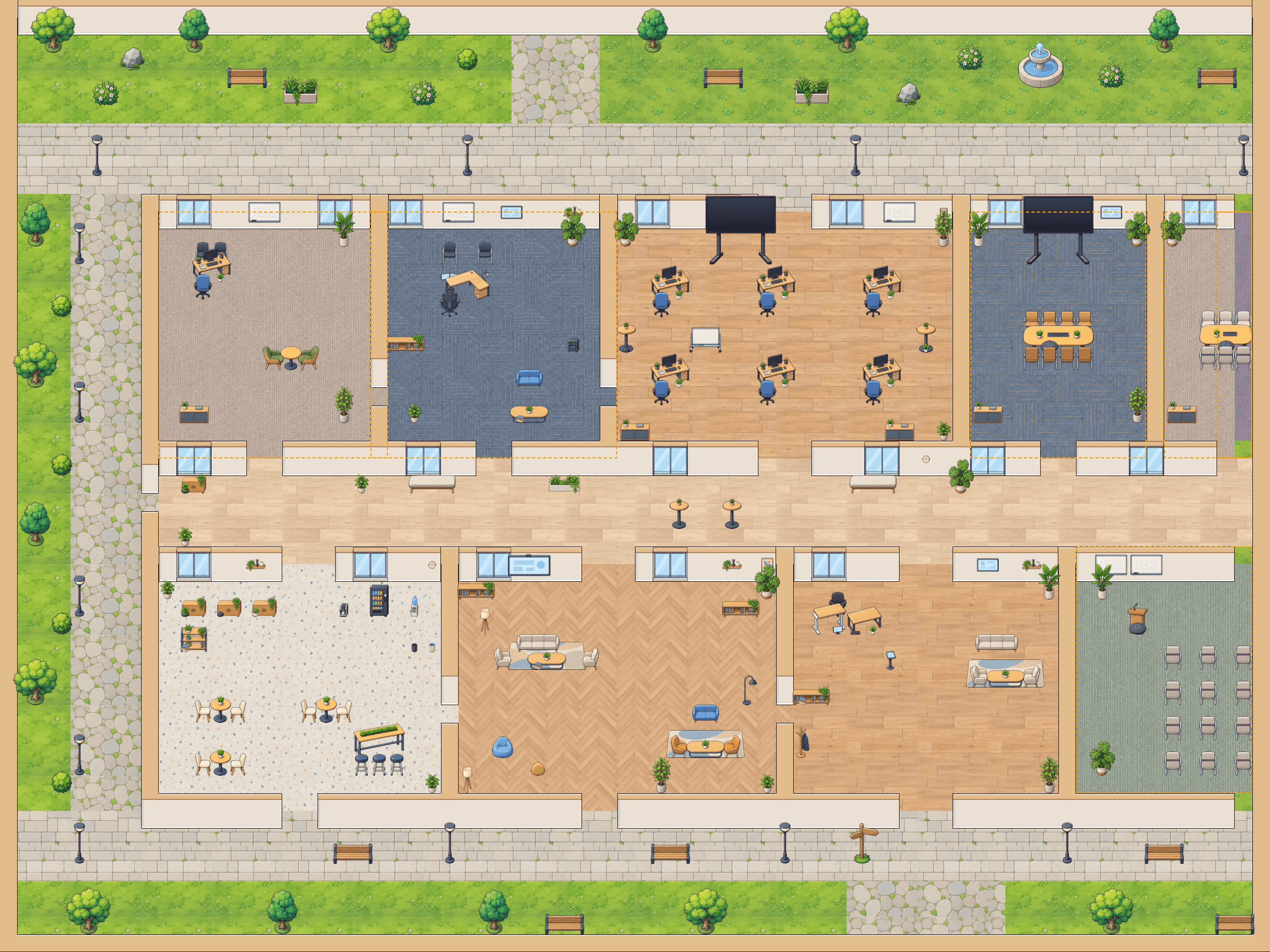
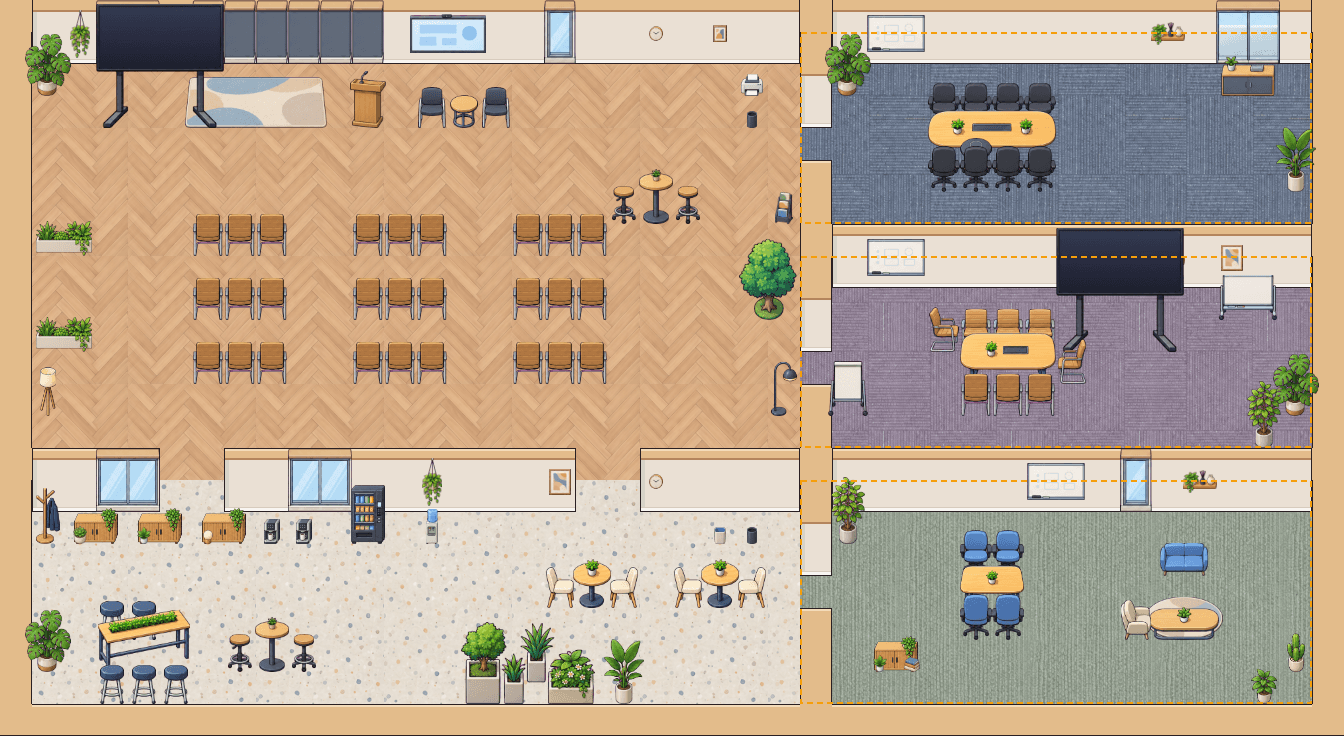
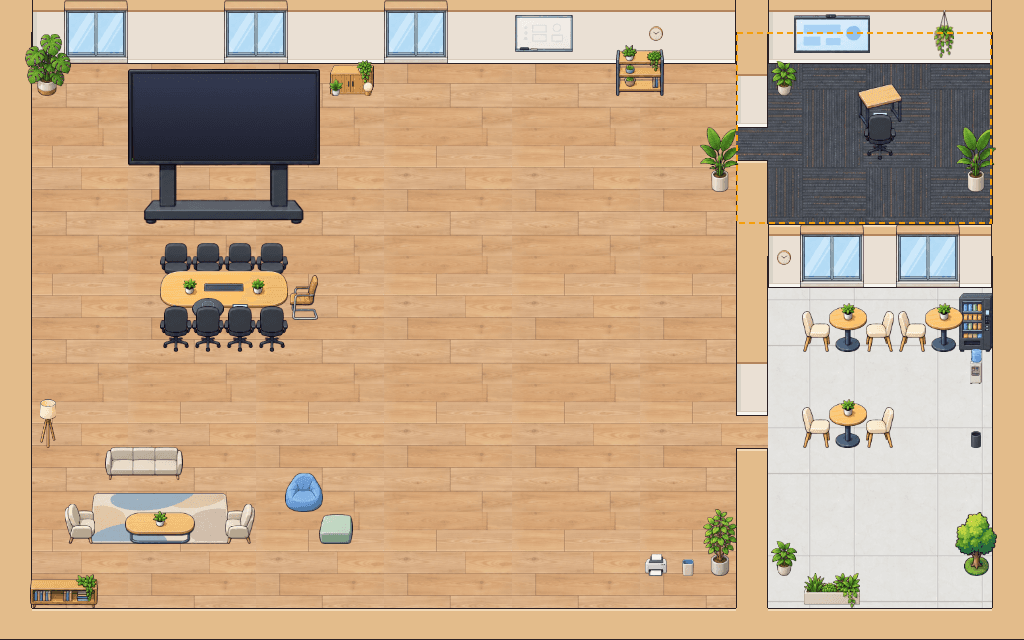
Simple pricing. Start free.
Guests who join by link are always free.
- 1 world
- Up to 10 members
- Voice, video, rooms and offices
- 1 scene of your own
- Guests by link
- No time limits
- Up to 3 worlds
- Up to 150 members
- 3 AI agents, 500 minutes a month
- 10 scenes of your own
- Everything in Free
- As many worlds and members as you need
- Your own floor plans and art
- Help getting set up
Questions
Do people need to install anything?
No. Sideby runs in the browser. Open the link, sign in, and you're in.
How is this different from Zoom or Slack huddles?
Those are for calls you decide to start. In Sideby you can see who's around and just walk over, the way you would in an office. Most teams use it alongside the tools they already have.
Can everyone hear what I say?
No. On the open floor only people standing near you can hear you, and in a room only the people inside. Press M to mute at any time.
What counts as a member?
Anyone who signs in to your world. Guests who join by link are always free.
Is Free really free?
Yes. One world, up to 10 members and no time limits on calls. No credit card needed.
What are AI agents?
Characters you place in your world, like a front desk or an onboarding buddy. Walk up and talk to them by voice; they only hear people standing near them, and they always say they're an AI.
Can we have our own office layout?
Yes. Build your own scenes in the browser: start from a ready-made one or an empty room, then place walls, rooms and furniture. On Custom we'll also draw art that looks like your real office.
Your team is one link away.
Make a world, send the link, and say hi in person. Sort of.